
A loyalty reward should recognize visits, not reviews
A customer loyalty program and an online review program can operate at the same business, but they should answer different questions. Loyalty recognizes a defined behavior such as a verified completed visit or eligible purchase. A review invitation asks a customer to describe a genuine experience in their own words. When the reward depends on posting, changing or removing a review, the business turns two independent activities into one risky exchange.
The simplest design rule is structural: a customer earns loyalty credit because the business confirms the qualifying visit, and the customer receives any review invitation regardless of loyalty enrollment, balance or sentiment. The review does not unlock a credit. The reward does not require a screenshot of a posted review. Staff do not inspect a star rating before confirming a visit. Keeping these paths separate protects the integrity of both programs.
This guide explains how to build that separation into enrollment, staff procedures, QR placement, data handling, reward redemption and reporting. It also describes ReviewDoctor’s current visit-based loyalty workflow and its limits. It does not promise increased retention, higher ratings, more reviews or additional revenue. Those outcomes require evidence that a loyalty balance and a review count cannot provide on their own.
Understand the difference between law and platform policy
Businesses need to follow applicable law and the rules of every review platform they use. Those standards are not identical. The Federal Trade Commission’s Consumer Reviews and Testimonials Rule prohibits compensation or incentives that are expressly or implicitly conditioned on a review expressing a particular sentiment. Other FTC guidance explains that incentives may require clear disclosure and can still create bias or deception concerns.
Google Maps applies a stricter operational rule for its reviews. Google says merchants must not offer payment, discounts, free goods or services in exchange for posting any review, revising a review or removing a negative review. Google also prohibits selectively soliciting positive reviews, discouraging negative reviews, pressuring customers to review on the premises or requesting specific content. A practice that might be discussed differently under general advertising law can still violate Google’s platform policy.
For a business using Google reviews, the practical approach is clear: do not connect loyalty points, discounts, free items, contest entries or other benefits to a Google review at all. Let the loyalty program reward the qualifying visit. Let the review request remain neutral, voluntary and unrewarded. Recheck current platform and legal guidance before launch because rules can change and this operational guide is not legal advice.
Draw two independent customer journeys
Document the loyalty journey and the review journey on separate lines. A loyalty journey might read: enroll with consent, request a visit credit, staff confirms the completed visit, credit appears, customer becomes eligible and staff records redemption. A review journey might read: customer completes a real experience, receives a neutral invitation, chooses whether to open the public review link and writes an honest review without a promised benefit.
There should be no decision diamond asking whether the customer left a review before credit is awarded. There should be no “bonus visit” for a five-star rating, no free item for showing a review screen and no reward for changing criticism. The review link should not disappear for customers who select a negative response. The loyalty card should not display language suggesting that public praise earns faster progress.
This separation also helps employees explain the programs. Staff can say, “Your completed visit is eligible for loyalty confirmation,” and separately, “If you choose to share an honest review, here is the review link.” They should not say, “Leave us a good review and I’ll add a point.” A short script prevents an informal conversation from undoing the safeguards built into the software.

Define the qualifying loyalty action precisely
A loyalty program needs a written definition of what earns credit. The definition may be a completed visit, an eligible purchase, a paid service or another lawful event the business can verify. State exclusions such as canceled appointments, refunded orders, employee transactions, duplicate visits or purchases below a stated threshold. The rule should be understandable to both customers and staff.
ReviewDoctor’s current loyalty feature is visit-based. Enrollment creates a pending visit rather than automatically earning credit. An owner confirms the completed visit before one credit is added. Repeating approval does not add a second credit, and the system limits accepted requests to one per customer in a rolling 24-hour window. The ordinary check-in flow and loyalty requests remain separate records.
The business should decide how employees verify the visit and what evidence is appropriate. Avoid collecting extra sensitive information merely to award a low-value credit. A reservation, receipt, service record or staff observation may be enough, depending on the business. Document exceptions and manager authority so similar visits receive similar treatment without turning the loyalty program into a review-screening process.
Write reward terms before customers enroll
Each reward should state the required credits, what the customer receives, where it can be redeemed, important exclusions and any expiration or availability limits. If an offer applies only to certain items or hours, say so before the customer invests visits toward it. Terms should not change silently after customers have earned credits under the earlier promise.
ReviewDoctor lets an owner define multiple rewards, choose the number of visit credits required and add redemption terms. Rewards can be archived for future earning while historical redemption receipts retain the reward name and credit cost. An archived reward does not erase the past record. Owners should review local consumer-promotion, tax and industry rules before configuring benefits.
Treat alcohol, age-restricted products, medical services, financial services and regulated promotions with extra care. ReviewDoctor requires an additional legal-age and eligibility confirmation for a configured alcohol reward, but software confirmation is not legal clearance. A business must determine whether the reward is lawful in its jurisdiction and suitable for its customers.
Make loyalty enrollment consent specific
Loyalty enrollment is permission to create and operate a loyalty account under the stated terms. It is not automatic permission for marketing texts, promotional email, feedback reminders or unrelated data use. If the business wants another permission, present it as a separate, optional choice with its own disclosure. Bundling unrelated consent makes the customer’s decision harder to understand.
In ReviewDoctor, customers enroll with a name, international-format phone number and email, then explicitly agree to loyalty enrollment. That consent does not authorize SMS marketing, email marketing or feedback follow-ups. Phone and email ownership are not automatically verified in the current flow, so businesses should not describe enrollment as identity verification.
The enrollment page should identify the business, explain the qualifying action, summarize rewards and tell the customer how the card is accessed. Do not place a prechecked review agreement inside the loyalty form. Do not imply that enrollment improves the customer’s chance of receiving service or that declining loyalty prevents access to an honest-review link.
Collect and retain only necessary loyalty data
A loyalty program creates a customer record, so the business should know what it collects, why it needs each field, who can access it and when it is removed. The FTC’s business security guidance recommends taking stock of personal information, keeping only what the business needs, protecting retained data, disposing of data that is no longer needed and planning for incidents.
Do not use a loyalty form to collect government identifiers, payment-card numbers, medical details or unrelated demographics. Avoid copying loyalty contacts into personal spreadsheets or employee phones. Limit dashboard access to roles that need to confirm visits or manage rewards, and remove access promptly when responsibilities change.
ReviewDoctor’s current loyalty documentation specifies one-year retention for visit and redemption logs. Membership contact records and remaining credits expire after one year without loyalty activity, with cleanup running through loyalty requests and the shared processor. Owners should align their customer notice and internal procedures with the implemented retention behavior and any stricter legal requirement.
Confirm visits through a staff-controlled step
Self-reported visits should enter a pending state until an authorized employee verifies the qualifying event. That control reduces accidental duplicate credit and makes the program’s accounting explainable. It also creates a natural place to reject a canceled, duplicate or ineligible request without involving review activity.
ReviewDoctor owners see pending loyalty visits and approve or reject them in the dedicated Loyalty tab. Confirmation records the account and time and atomically adds one credit. A rejected request earns no credit. The current separate staff role is designed for check-in access rather than loyalty management, so owners should not promise staff permissions that the feature does not provide.
Train the confirming employee to check the visit, not the customer’s online reputation behavior. The employee should never search for the customer’s review, ask for a review screenshot or inspect sentiment before approval. If the visit qualifies, approve it under the loyalty terms. If it does not, record the operational reason and explain the applicable term.
Redeem rewards with eligibility and duplicate protection
Redemption should verify the customer, the selected reward, the required balance and any specific eligibility condition. Staff should tell the customer what will be deducted and confirm that the reward is being used now. A clear receipt protects both the customer and the business when questions arise later.
In ReviewDoctor, an owner selects an active reward after confirming identity and eligibility. Credits are deducted and a redemption receipt records the reward, cost, customer and account. Replaying the same redemption operation does not spend credits twice. If the balance is insufficient or the reward is inactive, the operation does not complete.
A reward redemption still must remain independent from public reviews. Do not ask the customer to post before staff releases the reward. Do not restore credits in exchange for editing criticism. Do not make a better reward available only to customers who show a high rating. The reward is payment of the program’s visit-based promise, not compensation for public speech.
Place loyalty and review QR codes carefully
A business can use QR codes for both programs, but the physical designs should make their purposes unmistakable. A loyalty sign can say that customers enroll or open their visit card. A review sign can invite honest feedback or link to a feedback experience. Avoid one sign that says “Scan, review us and earn rewards,” because the combined call to action suggests an exchange.
Use distinct headings, destination URLs and staff explanations. Test each code from a clean phone before printing. Confirm that the loyalty code opens the correct station and that the review code opens the intended feedback or Google link. Keep destination ownership and replacement procedures documented so an outdated sign does not send customers to the wrong program.
ReviewDoctor provides a dedicated loyalty link for enabled locations and can also show the loyalty entry from the business’s feedback page. The connection is navigational, not conditional: review behavior does not create loyalty credit. If a printed design includes both options, use separate buttons and plain language that describes each destination independently.
Keep review invitations neutral and available to everyone
A compliant review invitation should ask for an honest account of a real experience without predicting the rating or suggesting the words to use. Send or display it based on a neutral event, such as a completed visit with appropriate consent, rather than a satisfaction score. Customers who report a poor experience should still be able to access the public review link.
Google’s current guidance allows businesses to remind customers to leave reviews and to use a Google link or QR code, but it prohibits incentives and rating manipulation. Do not request that the customer mention a staff member, include a particular keyword or leave the review while an employee watches. Avoid quotas that encourage staff to pressure customers.
Loyalty members and nonmembers should encounter the same neutral review opportunity under the business’s chosen review-request process. A customer does not need to spend credits, redeem a reward or join loyalty to review the business. Likewise, declining a review request must not affect the loyalty balance.
Design staff scripts for common moments
Frontline language determines how customers understand the program. At enrollment, staff can say, “This program gives one credit after we confirm each eligible visit. Joining does not subscribe you to marketing.” At checkout, they can say, “Your visit request is pending confirmation.” At redemption, they can explain the credit cost and terms before completing the transaction.
For reviews, use a separate sentence: “If you would like to share an honest review of your experience, the review link is available here.” Do not add “and we’ll give you a point,” “show us five stars” or “please mention my name.” If a customer asks whether a review earns credit, staff should answer directly that reviews and loyalty rewards are separate.
Give employees an escalation path for disputed visits, missing cards, expired accounts and unavailable rewards. ReviewDoctor’s current card uses a browser-saved credential and has no verified cross-device recovery flow. Staff should not invent a recovery promise. A customer who loses the saved card should contact the business for assistance under the business’s verified process.
Measure loyalty activity without claiming review impact
Useful loyalty measures include enrollments, pending visit requests, confirmed visits, rejected requests, active balances, reward eligibility and recorded redemptions. Define each metric before comparing periods. Enrollment is not an active customer. A pending visit is not earned credit. A reward redemption is not proof of incremental revenue or long-term retention.
Keep review metrics in a separate report. Review count, rating distribution, reply status and review-link clicks answer different questions from loyalty balances. A Google-link click does not confirm that a review was posted. A reward redemption does not show that loyalty caused a later review. Combining the two into a “review conversion” claim would overstate what the records establish.
If the business wants to study whether loyalty affects return visits, define a careful analysis using eligible customer cohorts, consistent time windows and appropriate privacy practices. Account for seasonality, promotions, closures, product changes and customers who participate on multiple devices. Do not attribute revenue or rating changes to the program without evidence that supports the claim.
A hypothetical café walkthrough
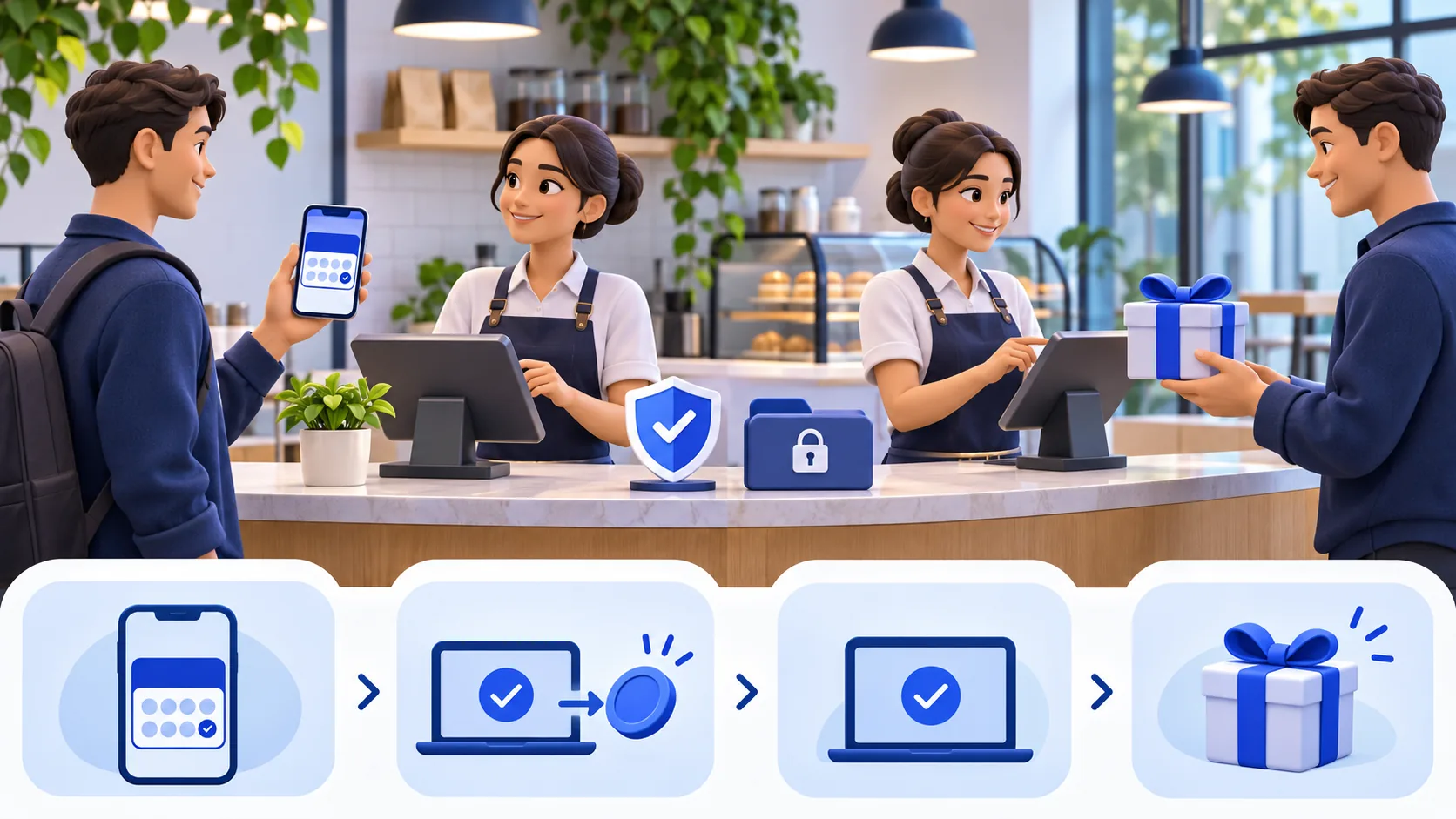
Hypothetical example: a café enables a reward after ten owner-confirmed visits. The terms identify qualifying purchases, exclusions and the redemption item. A customer scans the loyalty code, enters the required contact fields and agrees to loyalty enrollment. The first request appears as pending, and the owner confirms it after checking the completed transaction.
On later visits, the customer opens the saved card and requests another visit credit. The owner confirms each eligible visit under the same terms. When the balance is sufficient, the owner verifies the customer and records the configured reward redemption. The customer is never asked to post, revise or remove a review to earn, keep or spend the credits.
The café separately offers an honest Google review link to customers without regard to loyalty membership or sentiment. It gives no review incentive and asks for no particular rating or wording. This scenario is hypothetical and reports no ReviewDoctor customer result, testimonial, review count, retention lift or revenue change.
Audit the program before and after launch
Before launch, review the qualifying action, reward terms, enrollment disclosure, optional marketing consent, staff roles, visit-confirmation evidence, redemption process, duplicate controls, data retention, age restrictions and customer support path. Test enrollment, a pending visit, approval, rejection and redemption with fictional data. Confirm that pausing the program does not erase balances.
Audit the review journey separately. Search every sign, email template, SMS template and staff script for language that ties a benefit to posting, editing or removing a review. Check that the public review option remains available regardless of a satisfaction answer. Make sure no dashboard goal encourages employees to request a specific rating or named mention.
After launch, sample pending approvals and redemptions for consistency. Review inactive accounts, archived rewards and access permissions. Revisit Google and FTC guidance periodically and after any program change. The strongest operating standard is easy to explain: loyalty credits recognize eligible visits, rewards honor published terms and honest reviews remain voluntary and unrewarded.