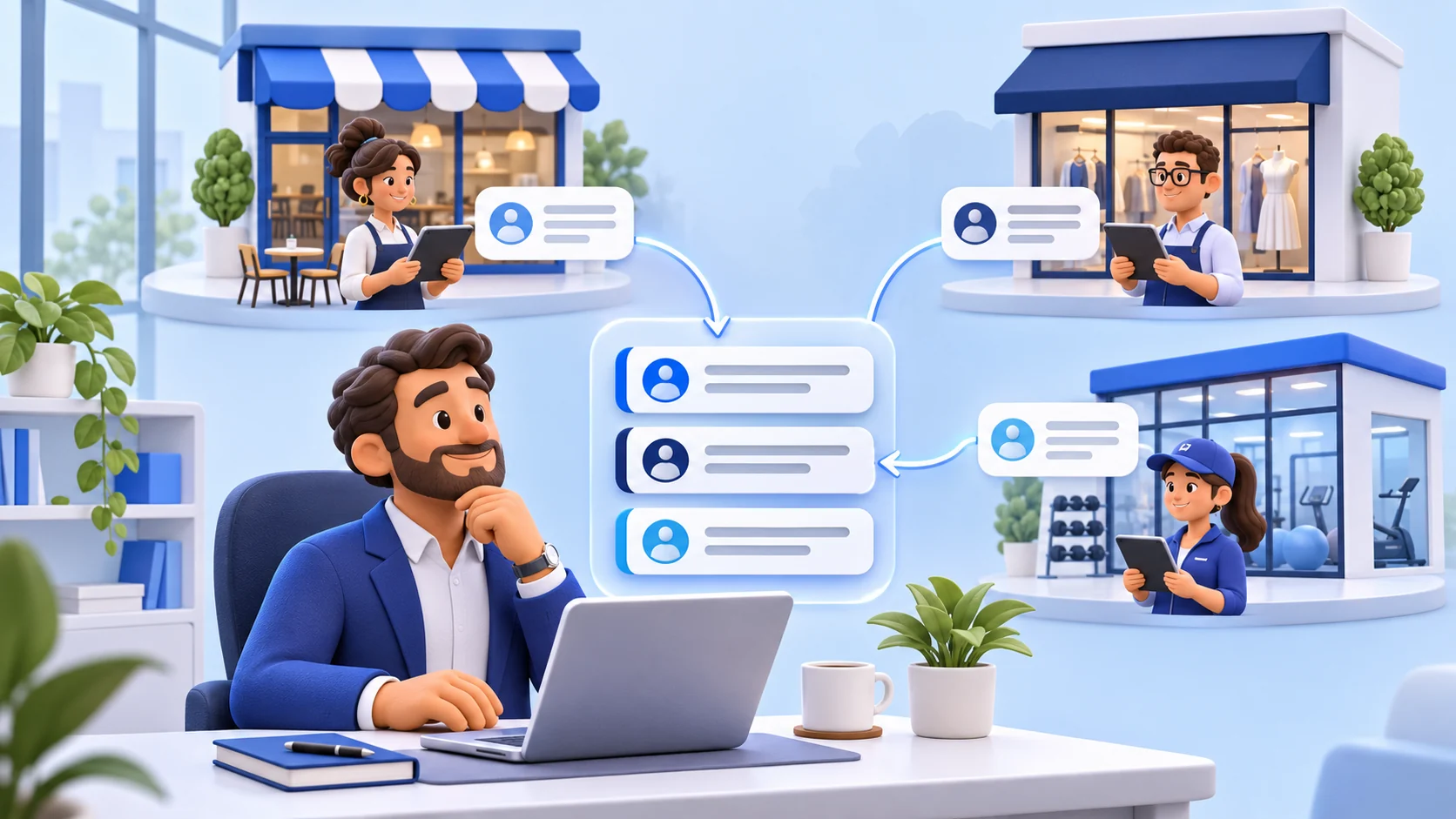
Treat each location as its own operating record
Multi-location review management begins with a simple rule: every review belongs to one public profile, one operating team and one real customer experience. A regional average can help an owner see broad movement, but it cannot replace the facts at a specific store, office or practice. Hours, staffing, services, local policies and customer expectations can differ. The workflow should preserve that context from the moment a review is noticed until the reply or escalation is complete.
Create a durable location identifier that does not depend only on a display name. Two branches may share a brand name, and names can change. Pair the identifier with the verified Google Business Profile location, physical address, primary operating contact and internal ReviewDoctor business workspace. Before anyone replies, the screen and the operating procedure should make the active location unmistakable.
ReviewDoctor supports separate business workspaces and a business selector for owners who manage more than one location. Settings, stations, feedback and reports stay scoped to the selected business. A connected Google location and its reply authorization are also location-specific. The selector is a convenience, not permission to combine customer records or treat activity from one branch as evidence about another.
Build a location inventory before designing the queue
Start with an inventory rather than a reply template. List every operating location, its Google profile, opening status, local manager, backup contact, approved customer-service channel and the system used to investigate incidents. Record which locations share policies and which have genuine local differences. Mark duplicates, relocations and ownership changes for separate review instead of silently creating another profile.
Google explains that reviews may move automatically or by request in some relocation and duplicate-profile situations, while reviews generally remain when management changes but the business name stays the same. That means a new manager may inherit older public feedback. The operating plan should state whether old reviews need a factual update, a current reply or no action, and it should never assume that a management change erases the public record.
Reconcile the inventory at a fixed interval and whenever a location opens, moves, closes or changes leadership. Confirm that the address, category, hours and website are correct in the authoritative profile. ReviewDoctor does not create or verify Google listings for the business, and it should not be used as the master record for address changes. A clean inventory prevents a reply team from answering on the wrong profile or overlooking an active branch.
Assign accountable owners without sharing passwords
Every location needs a named person responsible for review operations and a backup who can act during absence. Responsibility includes checking new reviews, verifying facts with the local team, choosing whether to reply or escalate, and closing the internal task. A regional leader should own exceptions that cross locations, involve legal or safety questions, or reveal a repeated operating issue.
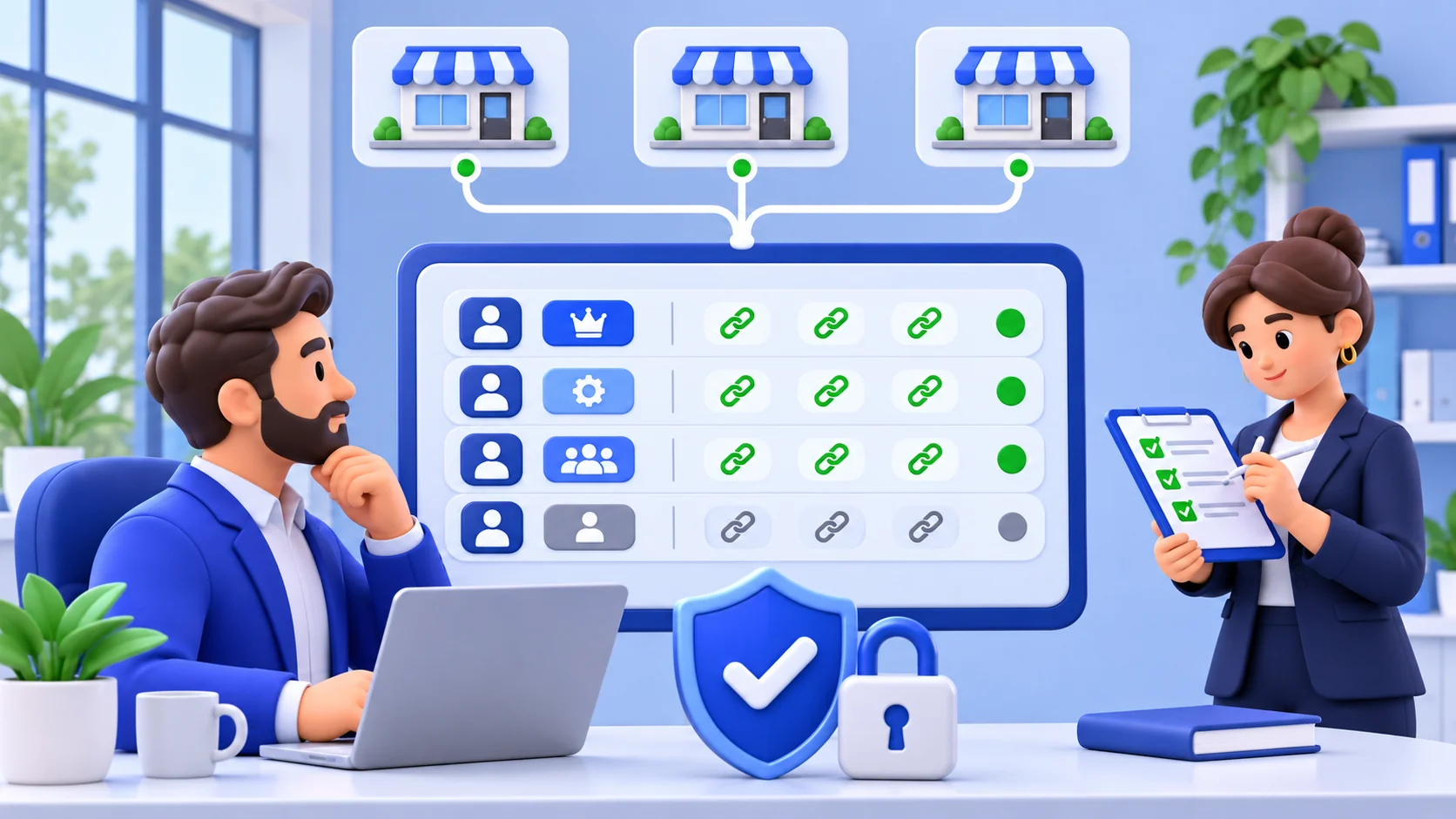
Google Business Profile supports owner and manager roles. Google states that additional owners and managers can help with daily operations, including responding to reviews, and recommends that each person use an individual Google Account rather than a shared password. Owners have broader control, including user management, so the role should match the person’s actual duties.
Document the access path separately from the workflow. A reply writer does not automatically need authority to remove users, transfer ownership or change every location setting. Use the least-privilege principle: grant only the access required for the assigned work. Keep a current list of users, roles, locations and review dates so offboarding does not depend on someone remembering an old shared credential.
Understand the difference between Google roles and ReviewDoctor staff access
Do not assume that a role in one system grants the same rights in another. Google owners and managers control Google Business Profile capabilities. ReviewDoctor business owners control their ReviewDoctor workspaces and connected services. Those permission systems are separate, and a successful sign-in to one does not prove authority in the other.
ReviewDoctor’s current staff role is designed for assigned operational work such as location-scoped check-ins and selected guest-experience tasks. It does not grant staff ownership of business settings or general Google review management. ReviewDoctor review connections, AI reply authorization and reply publication remain owner-controlled. If local employees need to answer Google reviews directly, the business should grant and govern the appropriate role in Google itself.
Write this boundary into training. The ReviewDoctor owner can use the business selector to open the correct location, inspect connected review activity and manage supported owner tools. A staff member should never borrow the owner’s ReviewDoctor account to reach a screen that their role does not provide. If the current product role does not fit the job, keep the work in the authorized platform rather than bypassing the control.
Create one intake queue with location-safe routing
A useful queue needs more than newest-first sorting. At minimum, retain the location, review date, rating, reply status and a concise internal status such as new, investigating, ready to reply, escalated or complete. The visible review should remain connected to the original Google profile. Do not copy review text into unrelated spreadsheets merely to create another queue unless the business has a defined need, security controls and retention rule.
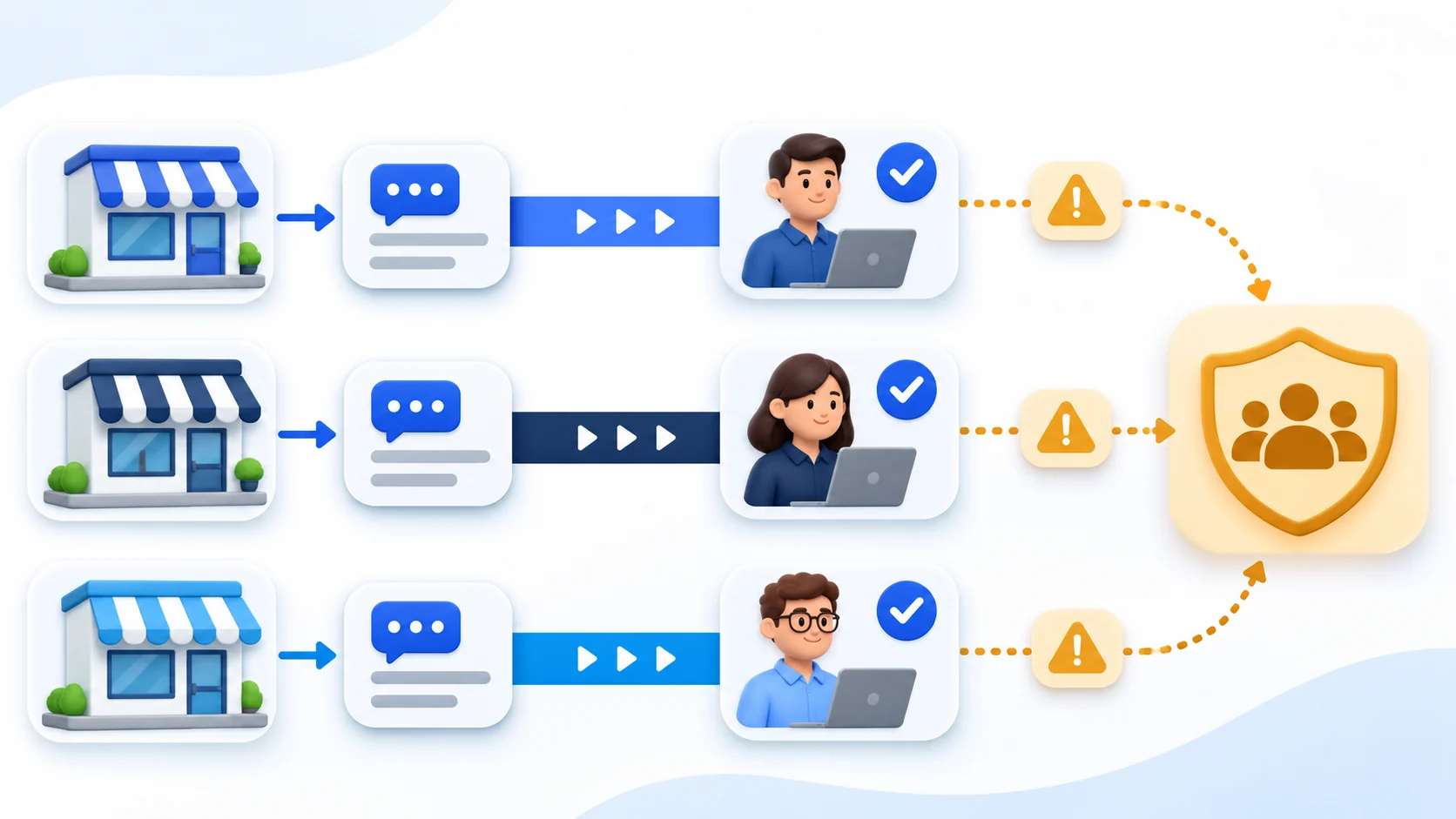
Route by responsibility and subject. A local service complaint may go to the branch manager; a billing pattern may go to finance; an accessibility concern may need an operations leader; suspected policy-violating content may need a trained owner to review Google’s current policies. Rating alone is a weak router. A five-star review can contain a serious unresolved question, and a one-star review can be a brief opinion with no private investigation required.
Set a service level that fits staffing, but do not manufacture an instant-response promise. The queue should show which items are waiting for facts and who owns the next step. When a review is intentionally left without a reply, record the reason internally. The goal is a reliable decision process, not a public response to every sentence at any cost.
Triage urgency by content rather than star rating
Define a small escalation matrix. Immediate internal review may be appropriate for safety allegations, threats, discrimination or accessibility concerns, payment disputes, claims involving children, legal demands or exposure of personal information. Operational complaints such as cleanliness, delay or staff conduct may need local fact gathering. General praise, product suggestions and ordinary dissatisfaction can follow the standard reply path.
The matrix should tell the reviewer what not to do. Do not admit an unverified event, disclose camera footage, identify an employee or customer, debate medical or financial facts, or promise compensation in a public reply. Move sensitive resolution to a verified private channel while keeping the public response calm and limited. A reply is public customer communication, not an investigation file.
Escalation does not mean that a negative review should automatically be reported for removal. Google says only reviews that violate its policies are eligible for removal and that disagreement or dislike is not enough. Preserve the original link and the relevant policy concern, then let an authorized owner decide whether a report is appropriate.
Use a reply playbook without making every location sound identical
A brand playbook should define tone, privacy rules, prohibited promises and escalation language. It can also provide patterns: acknowledge the experience, address one useful detail, explain a verified next step and offer an appropriate private contact. The playbook should not become a library of identical copy pasted under dozens of reviews. Repetition makes replies look inattentive and can cause a local detail from one branch to appear under another.
Google recommends professional, relevant, direct and honest replies. Its guidance also says replies are public, should protect privacy, should avoid personal attacks and should be conversational rather than promotional. For a multi-location brand, that means the central standard should control conduct while the local team supplies the facts that make the reply accurate.
Give writers a short pre-publication checklist: correct profile, correct reviewer and issue, no private information, no unverified claim, no incentive, no request for a specific rating, and a contact path that reaches the right location. A regional reviewer can sample replies for consistency, but local managers should be able to flag a template that conflicts with their actual services or hours.
Protect privacy during fact gathering and public replies
The public review may contain a name, order detail, appointment reference or other clue, but that does not give the business permission to publish the rest of the customer record. Ask the local team to verify the minimum facts needed for a response. Keep internal notes, receipts, video, employee statements and contact details out of the public reply.
Use separate accounts and restrict information to people who need it. The Federal Trade Commission advises businesses to control access and limit sensitive information to employees who need it for their jobs. For a multi-location operator, that usually means a local manager should not automatically see another branch’s customer records, and a temporary contractor should not retain access after the assignment ends.
ReviewDoctor retrieves connected Google reviews for the signed-in owner’s current view and does not permanently store the review text or reviewer details in its ordinary Google review workflow. Review analytics are calculated from live responses in page memory. That design reduces copied content, but the owner is still responsible for what is placed in case notes, exports or external systems.
Use AI drafts as reviewed assistance, not unattended judgment
AI can help an authorized owner draft a clear reply, but it cannot verify a location’s events by reading a review alone. The reviewer must check the business name, location, service, policy and proposed next step. Remove invented apologies, refunds, investigations or contact instructions. A polished sentence can still be wrong.
In ReviewDoctor, an owner-triggered AI reply request sends the selected review text and rating, plus business name and industry, to the configured AI service; it does not send the reviewer name or profile photo. Manual publication requires the owner’s authorization. If an owner separately enables the current automatic-reply feature for a connected location, the saved authorization applies to future unanswered reviews after enabling and the system checks that location on its scheduled daily run. Existing replies are skipped.
Automatic posting increases the need for conservative guidance and periodic review. A changed connection or selected location invalidates the saved authorization, and provider limits can delay a run. ReviewDoctor records limited activity metadata rather than treating a generated draft as proof of a useful reply. Owners should inspect published responses in Google and pause automation when the operating context changes.
Separate policy reports from ordinary service recovery
A policy report and a customer-service reply solve different problems. A review may be critical and still comply with Google’s rules. Another may contain prohibited content that deserves a report even if its rating is high. Train the team to identify the exact policy concern rather than using “false” or “unfair” as a complete reason.
ReviewDoctor’s investigation workspace can help an owner organize a review link, the stated policy concern, evidence notes and status history. It does not guarantee removal and does not submit a final decision for Google. The owner must verify the original review, choose the relevant concern and use Google’s current reporting and appeal process. Google decides whether content qualifies for removal.
Keep service recovery moving while a policy decision is pending when doing so is safe and appropriate. Reporting a review does not resolve the underlying complaint, and replying does not waive the ability to report policy-violating content. Do not pressure the reviewer to change or remove a review in exchange for a refund, discount or other benefit.
Measure each location without inventing attribution
Useful measures include unreplied review count, reply status, time to internal assignment, time to approved reply, escalation volume and recurring operational themes. Compare a location with its own prior periods before drawing conclusions from a regional average. A branch with low volume may change sharply after one review, while a busy branch may hide a repeated issue inside a stable average.
Keep platform events distinct. A ReviewDoctor Google-link click does not confirm that a review was posted. A live Google review count is not a count of ReviewDoctor invitations. A reply-publication receipt confirms only the activity recorded by ReviewDoctor, not that the reply caused a rating, visit or sale. Do not turn overlapping counts into a funnel unless the data and consent actually establish each transition.
Use themes as questions for operations, not automatic verdicts. Repeated mentions of pickup delay can justify checking staffing, order promises and signage at that branch. It does not prove the source of the delay or the revenue impact. Pair review observations with operational records before changing policy.
Audit access and connections on a regular schedule
Review access at least whenever someone joins, changes role or leaves, and add a periodic audit so dormant accounts do not survive indefinitely. Confirm the primary owner, other owners, managers, connected applications and backup access for every Google profile. Google advises limiting profile access to essential owners and managers and removing former employees.
Perform the same review inside ReviewDoctor. Check which account owns each business workspace, which Google location is connected, whether manual or automatic reply authorization is enabled, and whether the selected business matches the intended public profile. ReviewDoctor staff invitations should be revoked when operational access ends, even though that role does not grant Google review controls.
Keep an incident path for suspicious invitations, unexpected ownership changes or replies no one recognizes. Preserve relevant timestamps and provider notices, remove unauthorized access through the provider’s supported process and rotate credentials where appropriate. Do not attempt to solve an account compromise by creating duplicate business profiles.
Balance brand consistency with a truthful local voice
Central teams can define the promise, but local teams know whether parking was closed, a service was unavailable or an event changed hours. Build a fact-request step that is fast enough for routine replies: what happened, what can be verified, what changed and which private contact can help. The central writer should not fill missing facts with a generic claim.
Use a common reading level, tone and closing style across locations, then allow details that make the response useful. A dental office, restaurant and hotel under one ownership may need different privacy and escalation rules even if they share branding. The playbook should identify those boundaries instead of forcing a single response formula across industries.
Review the playbook after a policy update, new service, acquisition or repeated error. Update examples by removing customer information and marking them as patterns rather than testimonials. The goal is recognizable care and accuracy, not the appearance that one remote writer is pretending to have witnessed every visit.
A hypothetical three-location walkthrough
Hypothetical example: an owner operates three cafés. Each café has its own verified Google Business Profile and separate ReviewDoctor workspace. The owner documents the profile URL, address, local manager and escalation contact for every branch. Google access is granted through individual accounts, while ReviewDoctor owner access remains with the business owner. Local check-in staff keep their existing limited operational role.
A review about an incorrect pickup order appears for Café B. The owner confirms the active location before opening the review, routes the question to Café B’s manager and receives only the facts needed for a public response. The reply acknowledges the issue, avoids publishing order details and offers Café B’s correct private contact. The regional owner records the operational theme without copying the customer’s personal information into another location’s file.
At month end, the owner reviews access, unreplied items, escalation reasons and repeated themes by location. The owner does not claim that replies increased sales, improved ranking or caused new reviews. This walkthrough is hypothetical and reports no ReviewDoctor customer result, testimonial, rating change, revenue effect or measured performance improvement.
Launch the workflow with a 30-day operating plan
During the first week, verify the location inventory, ownership, connections and access list. Define the routing matrix, escalation contacts and public reply rules. Test the business selector with fictional internal examples and confirm that each Google connection points to the intended profile. Do not publish test replies on a live profile.
During weeks two and three, run the queue with human review. Track handoff delays, wrong-location risks, missing facts and unclear escalation rules. Sample positive, neutral and negative replies for privacy and accuracy. If AI assistance is used, compare the draft with the verified local facts before publication and record recurring corrections as playbook improvements.
At day 30, review outcomes that the process can actually support: access cleaned up, location mapping confirmed, items routed, replies approved, escalations documented and recurring themes handed to operations. Recheck Google’s current profile, review and content policies. Keep the workflow modest and auditable: the right location, the right person, the minimum necessary information and a truthful public response.